
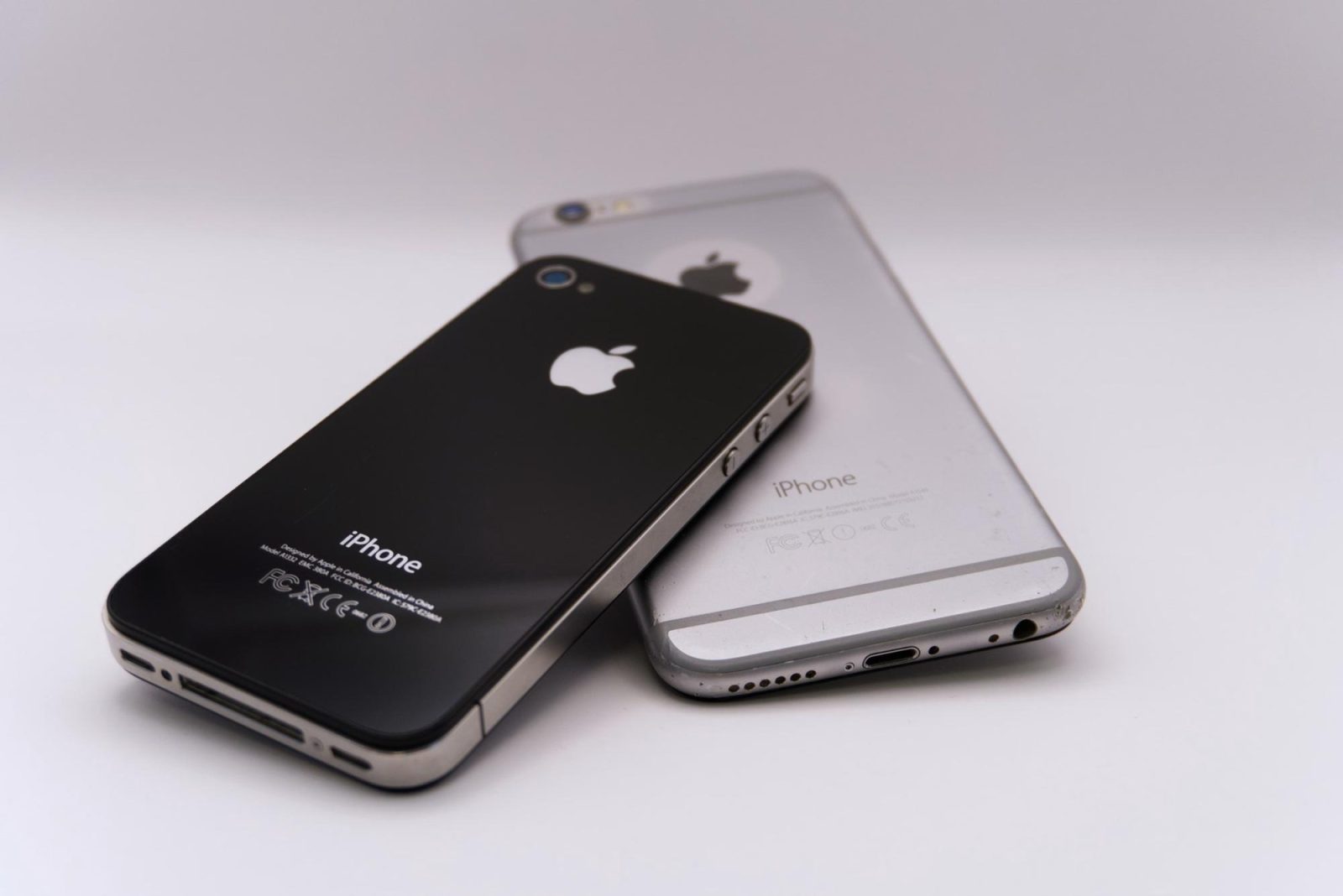
Cosplay budget saved – How an IMEI check protects your next phone upgrade?
Between convention travel, cosplay materials, manga volumes, and merch, most anime fans know exactly how far a budget has to stretch to cover everything worth buying in a year. A phone upgrade tends to get pushed to “whenever there’s room,” which is exactly why the secondhand market – marketplace apps, convention swap meets, fan community groups – is such a common place to find a phone for noticeably less than retail. It’s also, without the right precautions, a common place to lose money on a device that turns out to be unusable. One free, two-minute step avoids most of that risk: checking the phone’s IMEI before paying.
What the IMEI actually is
Every phone that connects to a mobile network carries an IMEI – International Mobile Equipment Identity – a 15-digit number set into the hardware at the factory. It’s not the SIM card and it’s not an account login; it identifies the specific physical unit. The number has a clear structure: the first eight digits form a Type Allocation Code (TAC), assigned by the GSMA and identifying the exact brand and model, the next six digits are a serial number unique to that unit, and the final digit is a check digit used to catch typing or transmission errors. Because it’s embedded during manufacturing, it can’t legitimately be changed – a device with a tampered or mismatched IMEI is itself worth treating as a warning sign.
Finding it takes seconds on any phone: dial *#06# and the number appears on screen instantly, or check Settings > About Phone. It’s also printed on the SIM tray and the original box.
Buying and selling phones through informal channels – fan community Discords, con artist-alley swap tables, marketplace listings shared in group chats – skips the protections that come with a carrier store: no return window, no paper trail, no guarantee the phone is what the seller says it is. An IMEI check fills part of that gap, and it checks three specific things:
Blacklist status. If a phone was reported lost or stolen, its IMEI can be flagged in a shared blacklist database. In the US, participating carriers report into a common industry system. Elsewhere, national systems do similar work – India’s CEIR (Central Equipment Identity Register) is one well-documented example – and the GSMA runs a broader IMEI database that lets participating carriers around the world share reports. A blacklisted phone is blocked from calls, texts, and mobile data on participating networks, even with a fresh SIM card. It can often still connect over Wi-Fi, which is exactly why it might look completely fine during a quick demo at a table or in a video call, and only reveal the problem once a new SIM goes in at home.
Carrier lock. A separate, less serious issue – the phone may only work with SIMs from one specific carrier. Not a sign of theft, but worth knowing before buying, especially for anyone planning to switch carriers or use a local SIM while traveling to a convention out of state or abroad.
Activation lock. iPhones with Find My enabled stay tied to the original owner’s Apple ID even after a factory reset, unless that owner explicitly removes the device from their account first. A secondhand iPhone still locked this way is largely unusable to a new owner – it’s not a minor inconvenience to sort out later, it’s a phone that won’t set up as new.
Running the check before you commit con-fund money
The check itself takes as long as scrolling one more listing. Enter the 15-digit IMEI into a lookup tool such as imei.info and it returns the confirmed device model (useful for making sure the listing actually matches the hardware), blacklist status, and, for iPhones, activation lock status – typically within seconds, free, no account needed. For a purchase funded by money that was also earmarked for a convention badge or a cosplay commission, spending two minutes confirming the phone is clean before paying is a small step that protects a budget that doesn’t have much room for a mistake.
A simple pre-purchase routine for fan-community sales
Ask for the IMEI before agreeing to meet or send payment. It’s not sensitive information the way a password is, so a legitimate seller has no real reason to withhold it.
Ask for a quick video or in-person demo showing the phone powering on and displaying Settings > About Phone, confirming the model matches what’s listed.
Run the IMEI check before finalizing the sale, not after handing over cash or completing a payment app transfer.
Keep a note of the IMEI and the seller’s contact details after the purchase, in case something comes up later.
Funding the upgrade by selling an old phone
The same logic applies when selling an old device to help cover the cost of the new one. Beyond the usual steps – signing out of accounts, disabling Find My/Activation Lock, and doing a factory reset – it’s worth running an IMEI check on your own phone before listing it. If an old insurance claim or unpaid balance is still attached to the IMEI, it’s better to find and resolve that ahead of time than to have a buyer’s own check turn up a flag and lose the sale.
A note on imported and region-specific devices
Fans who import phones alongside merch and manga – Japan-market Android models, region-specific variants picked up during a trip, or units bought through overseas resellers because a particular color or spec isn’t sold locally – face one extra wrinkle worth knowing about. The TAC portion of the IMEI (the first eight digits) identifies the exact model and region variant, which means an IMEI check can also confirm that an imported phone is genuinely the model advertised, rather than a similar-looking device from a different market with different band support. A phone built for a different region’s networks can work fine for Wi-Fi-based apps but struggle to get full cellular performance locally, so confirming the model through the IMEI – alongside checking band compatibility with your carrier separately – is worth doing before paying import-level prices for something that turns out to be the wrong variant.
Frequently asked questions
Is running an IMEI check free? Yes. Basic lookups on tools like imei.info – model confirmation, blacklist status, and Apple activation lock status – don’t require payment or an account.
Does a clean check mean the phone has no problems? No. It confirms the device isn’t reported lost, stolen, or blacklisted, and reveals lock status, but it doesn’t check battery health, screen condition, or physical damage – those still need a separate look, ideally in person or on video.
What if I only have the seller’s word that the IMEI is real? Ask them to read it live from the phone itself, or dial *#06# on a video call, rather than sending it by text ahead of time – that way there’s no chance it’s copied from a different, “cleaner” device.
The takeaway
Anime and cosplay budgets already require careful tracking – materials, travel, badges, commissions, merch, and now a phone upgrade on top of it all. An IMEI check doesn’t replace basic caution when buying secondhand, but it adds a concrete, verifiable answer that a photo or a quick demo can’t provide on its own. Two minutes with a free lookup tool before paying is a small habit that keeps a hard-earned convention budget from disappearing into a phone that turns out to be locked or blacklisted the moment it’s actually needed.